SABSUS logo SABSUS
Complete product guide

How SABSUS works as a full business operating system.

The short version says that SABSUS connects POS, CRM, inventory, delivery, customer app and AI. The full product story is deeper: SABSUS also covers company setup, catalog logic, production, customer status screens, supplier workspaces, courier operations, marketing, Flow automation and white-label brand ownership.

One operating core Company, locations, roles, catalog, orders, customers, inventory, delivery and reports share the same data layer.
POS
CRM
Stock
Real work happens here Staff open shifts, take orders, accept payments, send items to production, manage deposits, tips, taxes and customer history.
Flow and AI Events, integrations, rules, webhooks and AI scenarios turn business data into actions.
Real business scenes

Not abstract software. Actual daily work.

SABSUS needs to feel connected to the places where work happens: counters, service desks, stockrooms and delivery pickup points.

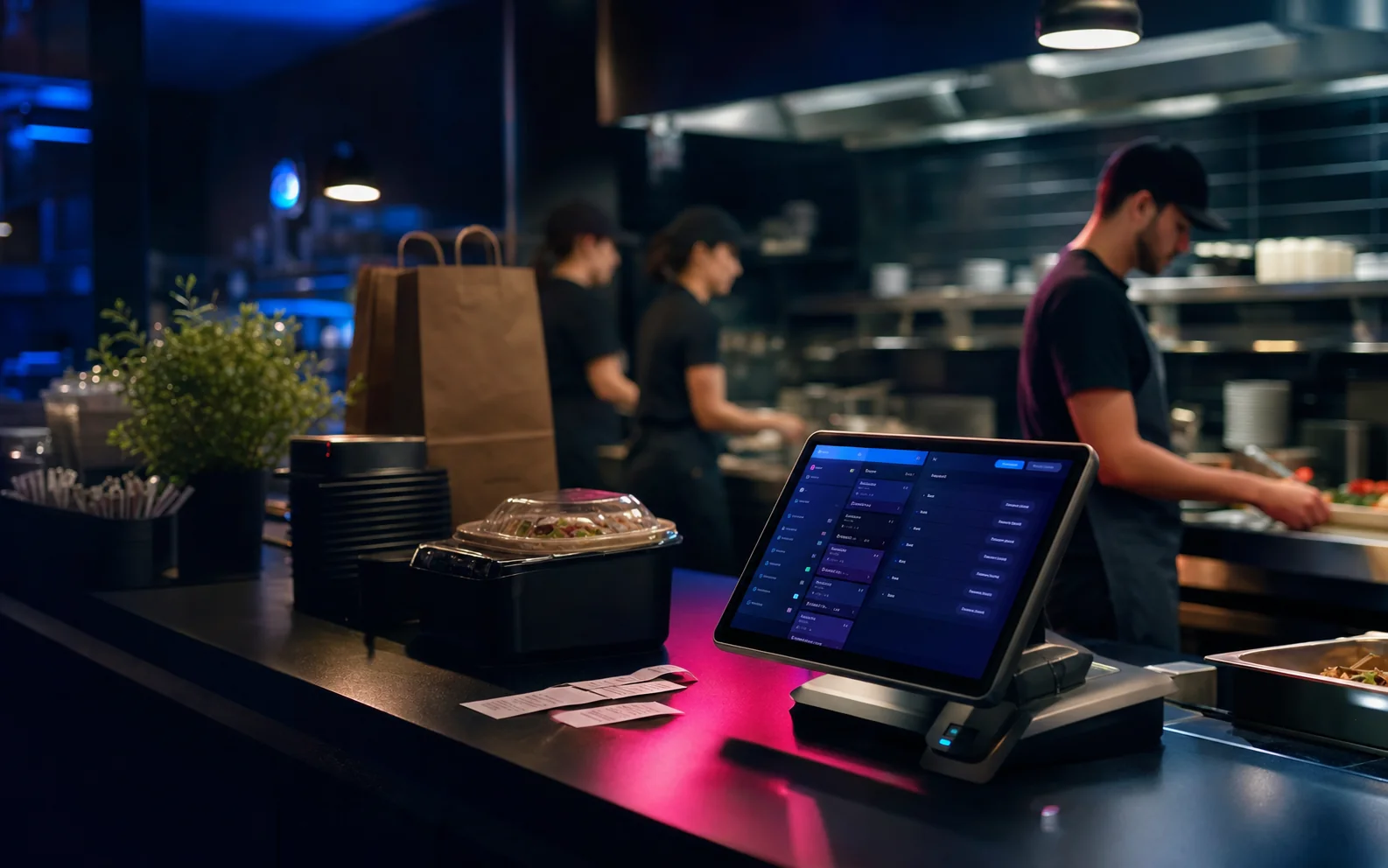
Restaurant POS counter connected to kitchen order production
Restaurant POS Orders to kitchen

POS, payment and status stay connected.

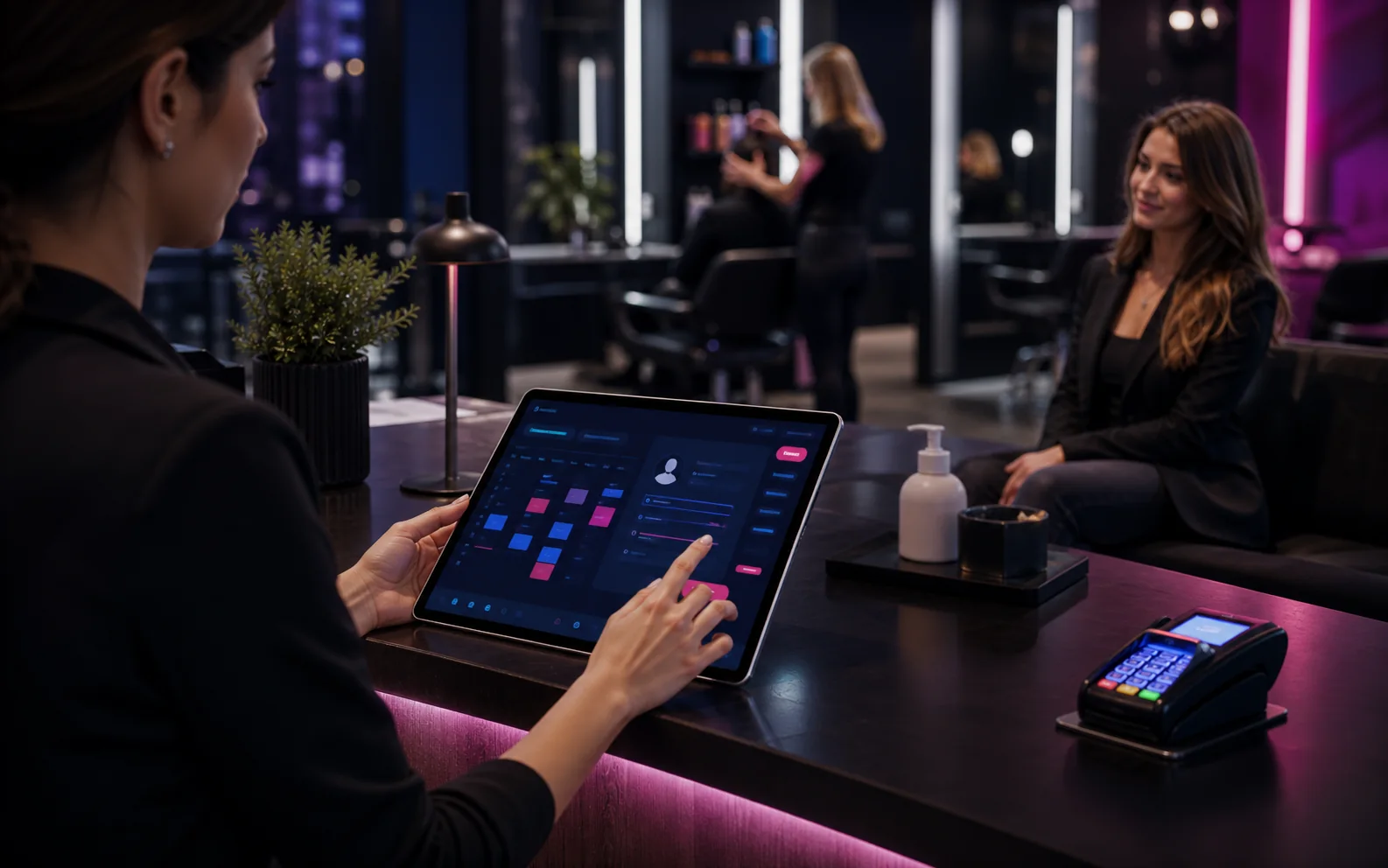
Salon booking CRM and payment workflow at a service desk
Service CRM Booking history

Calendar, payments and reminders stay visible.

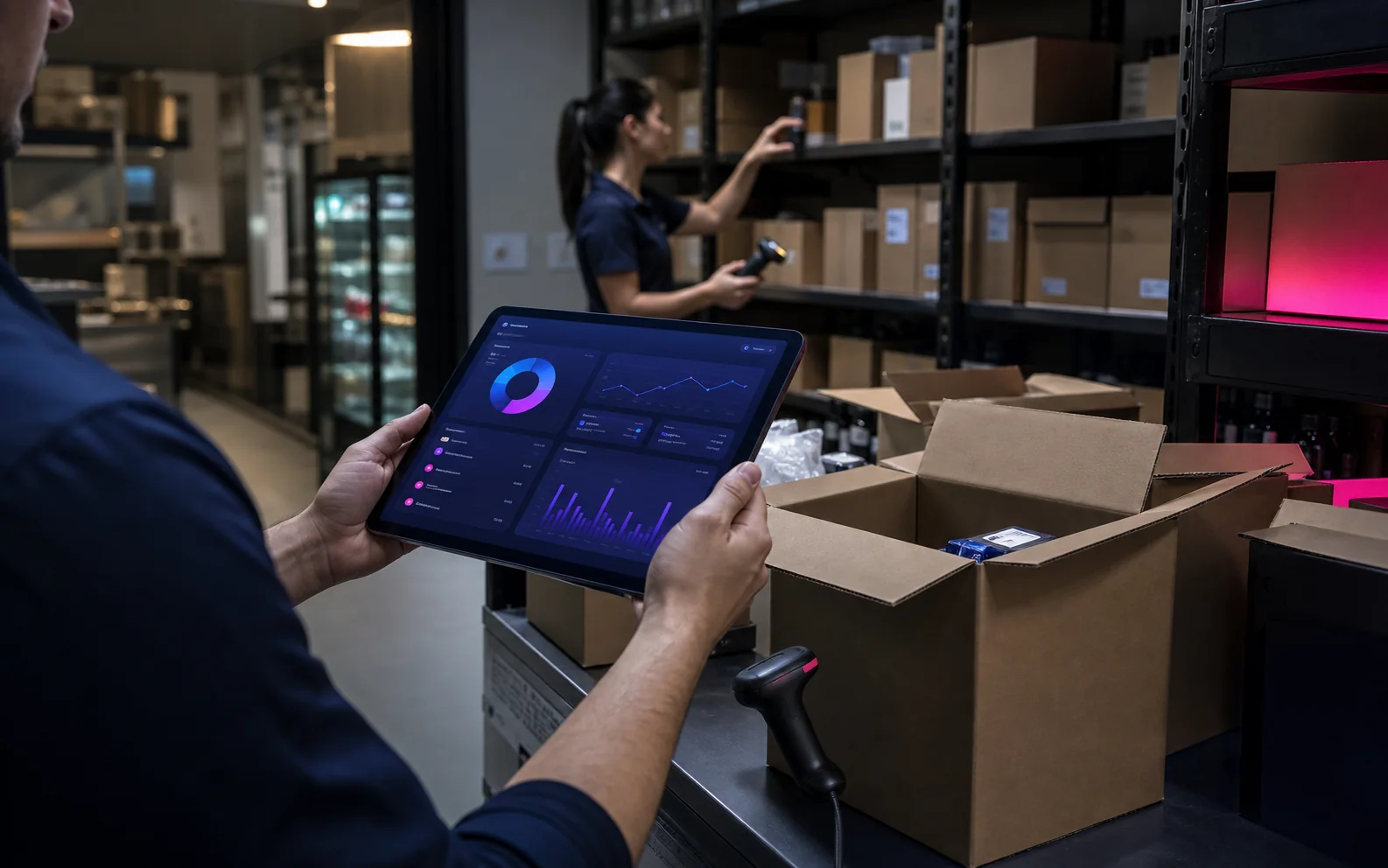
Inventory receiving and supplier workflow in a stockroom
Inventory Stock in flow

Receiving, suppliers and stock stay in one flow.

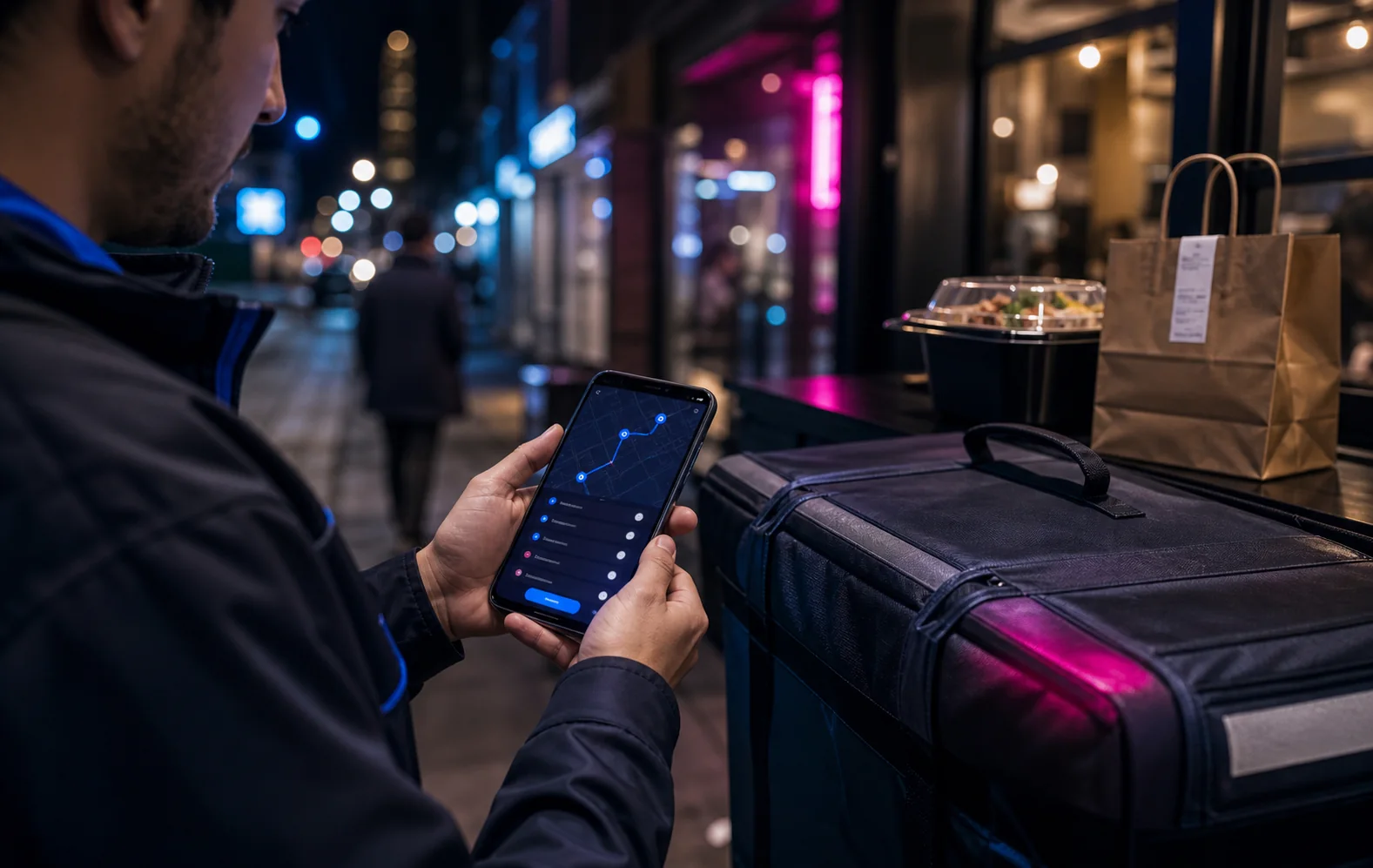
Courier delivery route and status workflow on a mobile phone
Delivery Last mile control

Routes, tasks and proof stay visible.

Product layers

What the older product material described better.

The missing value was not another slogan. It was the operational detail that shows buyers SABSUS can run the whole business, not only show a dashboard.

01

Company setup and control

SABSUS starts with the foundation of a real business, not only a login screen.

  • Company login, branding, languages and identity.
  • Sales points, legal data, taxes, payment methods and delivery settings.
  • Employees, roles, access rules, admin password and security boundaries.
02

Catalog, services and production logic

The catalog can describe what the business sells, rents, prepares, bundles or delivers.

  • Products, services, rentals, digital products and categories.
  • Modifiers, bundles, ingredients, semi-finished items and packaging.
  • Recipes, bills of materials, workshops and production zones.
03

Customer app and ordering path

The customer sees the business through a branded app or web interface.

  • Dine-in, pickup, delivery, preorder, booking and service actions.
  • Bonuses, deposit, tips, QR payment and order history.
  • Status tracking, support, notifications and access to digital products.
04

POS, shift and payment workflow

POS is not isolated checkout. It is the first internal step of the order lifecycle.

  • PIN-based employee access and fast staff switching.
  • Open shift, cash balance, order assembly and payment control.
  • Discounts, loyalty, deposits, split payments, taxes and receipts.
05

Status screen and production flow

After checkout, an order can become visible to customers, kitchen, packing and production teams.

  • Customer display at checkout.
  • Order status screen for waiting customers.
  • Kitchen, workshop, packing and fulfillment queues.
06

Inventory and real stock control

Stock is tied to the same business flow as orders, recipes, suppliers and locations.

  • Warehouses, receiving, transfers, returns and write-offs.
  • Inventory counts, low stock, price labels and supplier requests.
  • Ingredient and packaging consumption connected to sales.
07

Supplier workspace

Suppliers can become operational participants, not just names in a contact list.

  • Offers, purchase orders, availability and supplier documents.
  • Communication around deliveries, terms and substitutions.
  • Partner workflows for reseller and distribution scenarios.
08

Courier interface and last-mile delivery

Delivery is managed as field work with routes, proof and responsibility.

  • Courier shifts, transport, route list, maps and assignments.
  • Delivery statuses, customer notes, chat and failed-attempt handling.
  • Cash/payment context and proof of delivery.
09

CRM, pipelines and sales control

CRM is connected to orders and operations, not separate from them.

  • Leads, funnels, stages, scripts, questions and checklists.
  • First response control, task ownership and KPI visibility.
  • AI-assisted follow-up and customer history context.
10

Marketing, loyalty and communication

Marketing works with the same customer and order history used by the team.

  • Promotions, customer groups, segments and loyalty logic.
  • Email, SMS, push, Instagram, WhatsApp, Telegram and Facebook channels.
  • Retention triggers, repeat purchase timing and customer updates.
11

Flow, integrations, API and AI

Flow is the layer where SABSUS becomes programmable around real business events.

  • Triggers, conditions, actions, webhooks and integrations.
  • AI classification, summaries, task creation and content generation.
  • Business-specific rules built on top of orders, CRM and stock.
12

White-label platform ownership

SABSUS can become a branded platform for the company, not only back-office software.

  • Own brand, customer app, ordering site and digital customer experience.
  • Agency and reseller packaging for local business verticals.
  • Multi-location standards and customer data ownership.

End-to-end workflow

The practical story buyers need to understand.

A stronger SABSUS page should explain the full path: configure the business, sell through POS or app, fulfill through production, update inventory, deliver, follow up and automate the next action.

Step 1 Build the company

Brand, locations, staff, roles, taxes, payment methods, delivery rules and security become the operating base.

Step 2 Create what is sold

Products, services, rentals, recipes, ingredients, packaging, modifiers and supplier offers become real business objects.

Step 3 Capture demand

Customers order from the app, website, QR flow, POS, phone, social channels or CRM lead forms.

Step 4 Run the operation

POS, kitchen, production, stock, courier tasks, payments and customer statuses stay connected to one order record.

Step 5 Automate and retain

Flow, AI, marketing, loyalty, push, email and CRM follow-up help the business recover demand and reduce manual work.

Buyer criteria

What this page should help prospects compare.

Competitors often sell one category. SABSUS should be evaluated as an operating layer across categories.

Buyer question Weak answer SABSUS answer
Is this only POS? Checkout, receipt and sales report. POS plus CRM, stock, customer app, delivery, production, loyalty, tasks, reports and automation.
Is this only CRM? Leads, contacts and notes. CRM connected to orders, customer history, payments, delivery, tasks, campaigns and AI follow-up.
Can it run real fulfillment? Order status is manually updated. Status screen, production queue, stock changes, courier route and customer notification can share one order lifecycle.
Can suppliers and couriers participate? External work happens in chat and spreadsheets. Supplier and courier interfaces can carry offers, purchase orders, routes, proof and status updates.
Can the business own the customer relationship? The customer is sent to a marketplace or generic third-party portal. The company can operate under its own brand with customer app, ordering site, loyalty and direct communication.
FAQ

Questions this guide answers.

These answers turn the deeper `sabsus.site` product material into concise search-friendly explanations on the main domain.

What is SABSUS in one sentence?

SABSUS is a white-label business operating system that connects POS, CRM, catalog, inventory, suppliers, delivery, marketing, Flow, AI and branded customer interfaces in one platform.

Can SABSUS support restaurants, retail and service businesses?

Yes. The platform is built around configurable business objects: products, services, bookings, rentals, production items, delivery tasks, customer records and staff roles.

Why are supplier and courier modules important?

They prevent operational gaps. Suppliers affect cost, stock and availability. Couriers affect customer experience, payment state and delivery proof. Both should be connected to the same order and inventory data.

How does white-label change the value of SABSUS?

White-label turns the system from an internal tool into a branded customer-facing platform. The business can keep customer demand, ordering, loyalty and communication under its own brand.

Use this guide as the full product explanation.

The visual showcase makes SABSUS feel premium. This guide explains what is inside the system and why the platform is deeper than a POS, CRM, delivery app or AI automation tool alone.

Request Demo